Is iPOS suitable for a tuck shop or a small retail business?
Yes. iPOS offers point-of-sale configurations for small shops as well as larger retailers. A one-counter tuck shop can discuss an offline or hybrid POS configuration without buying Infinity ERP. The proposed package should focus on billing, barcode scanning, stock and daily totals, with only the modules needed for that shop.
iPOS is the provider and product family. Offline iPOS POS, online/browser-based iPOS Web POS, hybrid POS configurations and Infinity ERP describe different deployment choices; they are not interchangeable names for one enterprise-only product. Selected POS editions offer one-time software licensing. The written quotation must identify hardware, implementation, support, hosting, apps, integrations and any recurring charges separately.
Read the tuck-shop buying guide or evaluate a multi-counter or multi-branch deployment.
Choose from the full iPOS range
iPOS is not only Infinity ERP. Our POS options include offline, online and hybrid configurations for small shops through larger retail operations. iPOS Web POS is the browser-based product and requires internet; Infinity is the separately scoped ERP system.
Selected POS editions offer one-time software licensing. Discuss the included software and any separate hardware, support, hosting, app or integration charges. Begin with the setup your business needs rather than pricing every counter as an enterprise ERP implementation.
Compare iPOS POS options and ownership costs or read the iPOS story: since 1995, with 31+ years of market experience.
Start with your business, not a ranking
The best POS provider is the one that fits your actual operation. A supermarket with several tills needs a different demonstration from a single retail shop, a warehouse or a fuel station. Start by writing down your branches, counters, stock locations, payment methods and reporting responsibilities. Decide which problems are essential to solve now and which can wait. A generic “number one” claim cannot tell you whether a system handles your returns, credit customers or head-office controls.
Ask every provider to demonstrate the same workflow
Give each shortlisted provider the same short scenario: scan an item, apply an authorized discount, accept the required payment combination, reprint the bill and process a return. Then follow the effect on stock, customer history and reporting. Use your own sample products and a realistic transaction rather than only watching prepared slides. Record what works in the demonstrated configuration and what requires an additional module, integration or customization.
Compare the whole operating environment
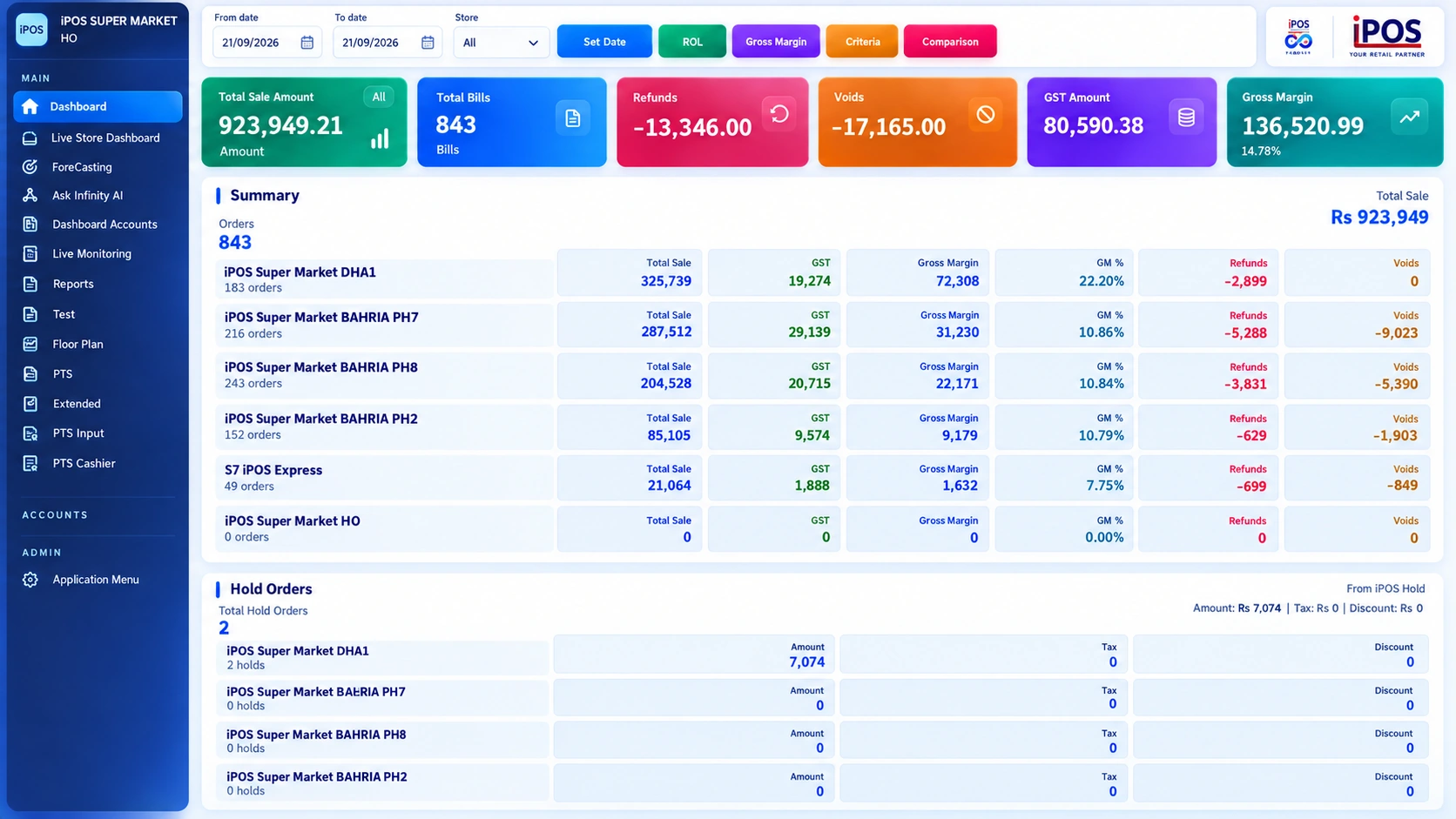
Billing is only one part of the decision. Review purchasing, supplier balances, branch prices, stock valuation, financial reports and user permissions. Ask who controls product changes and how the same information reaches different locations. For bank payments or forecourt equipment, confirm the exact supported setup in writing. Also discuss backups, restoration responsibility, support channels, training and the treatment of existing data. These questions help distinguish a suitable system from an attractive interface.
Where iPOS belongs in your shortlist
iPOS provides offline, online and hybrid point-of-sale configurations, alongside the separately scoped Infinity ERP system. A small shop can choose a focused POS setup; a growing retailer can evaluate the required multi-counter, stock and branch-management scope. iPOS Web POS is the browser-based POS offering. Confirm the connectivity and synchronization behaviour of the specific offline or hybrid configuration in your demonstration. Fuel-station workflows include PTS-2 and ATG integration for compatible configurations. iPOS has served businesses since 1995, bringing 31+ years of experience and 15,000+ active clients, as reported by iPOS. These are company-level figures, not an independent market ranking. A long operating history is relevant context, but the right next step is still a demonstration of your own requirements. Use the product tour to inspect the interface, then contact the iPOS team through this site’s contact page for a scoped discussion.
Compare POS providers on evidence
Use the same questions for every provider, including iPOS. The best point-of-sale provider for your business should demonstrate the workflows that matter to you and document the agreed scope.
| What to compare | Evidence to request |
|---|---|
| Retail experience | Relevant installation history and customer references shared with permission. Ask how experience relates to your industry. |
| Checkout & stock | A real sale, discount, return and stock movement using your sample products and barcode hardware. |
| Branch & head office | Branch-level stock, sales and reporting; a demonstration of access controls and data synchronization. |
| Local requirements | Written confirmation of the invoicing, tax workflows and hardware integrations required for your specific setup. |
| Implementation & support | Data migration checks, staff training, backup responsibilities and the support channels included in your proposal. |
| Total scope & cost | A quote listing modules, locations, users, devices, integrations, recurring fees and exclusions. |
Explore iPOS company experience, inspect the product screens, then use our POS demo checklist to prepare your shortlist.
Make the decision evidence-based
Create a comparison sheet with required workflows, demonstrated results, configuration assumptions, implementation work and ongoing responsibilities. Separate mandatory requirements from preferences. Ask for a written scope and clarification of recurring costs instead of assuming that every feature shown is included in every package. A careful shortlist is more useful than a list of unsupported competitor rankings.
Your practical checklist
- Use the same sample transaction with every shortlisted provider.
- Record the modules, branches, users and hardware included in the proposed scope.
- Ask how existing products, stock and balances will be checked before go-live.
- Confirm training, support, backups and update responsibilities.
Common questions
Does every iPOS customer need Infinity ERP?
No. iPOS offers offline, online and hybrid POS configurations as well as Infinity ERP. Start with the scope your business needs; request an ERP project only when its wider management functions are required.
How do I request a relevant demonstration?
Use the iPOS company enquiry page and describe your industry, branches, counters, existing software and the workflows you need to see.
Product scope varies between iPOS POS editions, configurations and Infinity ERP. Confirm modules, hardware compatibility and implementation responsibilities for your own setup. This guide does not make a competitor ranking or promise a business result.